How can we help?
How to access live chat
Our Customer Service team are here to help you with any questions or queries you have, 7 days a week!
You can ask any questions you have about your account, a booking or ask for general advice via our live chat service.
To live chat with us, simply follow these steps:
- Open the ClickMechanic App from your dashboard
- Click on the menu from within the app

Next click on 'Chat with us' from the menu
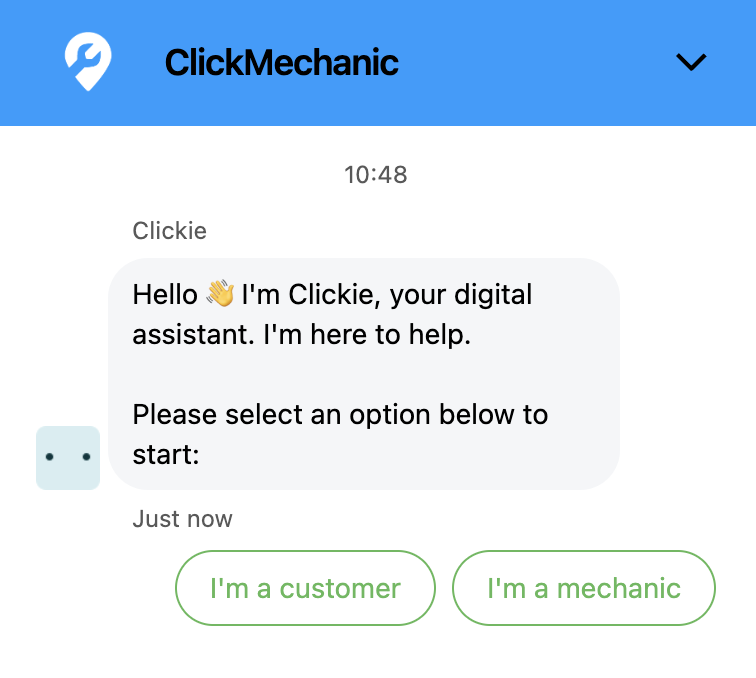
Once you click, a window will pop open with the live chat. Ask to speak to an agent, fill in the details, and a member of the team will get back to you.
If you select ‘request a callback' you will be asked a few follow-up questions to ensure we understand what you need help with. Once you have answered these questions, we will add you to the call-back list. We will then aim to call you back within 2 hours (during our hours of operation).